|
Stabilizing Critical IT Services
in a Shifting Work Environment
|
|
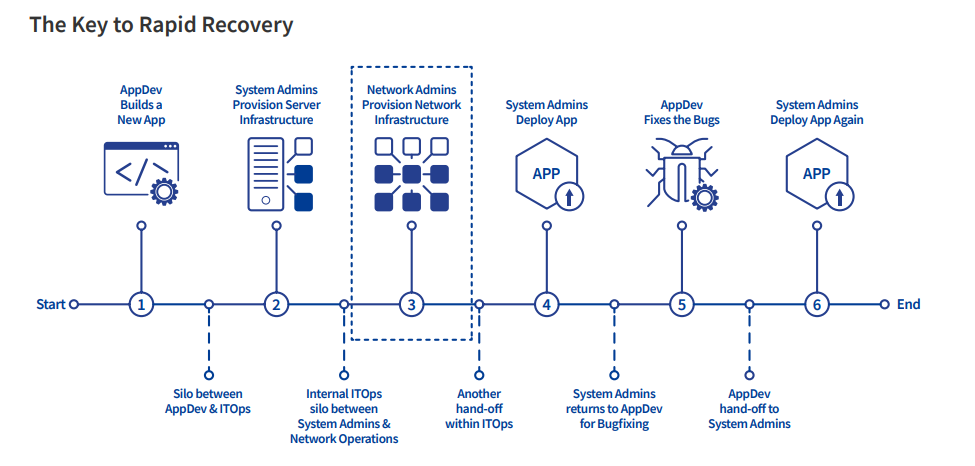
In today’s hybrid and remote work environments, IT teams face rising demands, complexity, and the need for 24/7 availability.
|
|
|---|
|
🔧 Key Recommendations for IT Stability |
|
1. Assess Your Applications:
-
- Generic applications
- Industry-specific applications
- Organization-critical application
2. Strengthen Processes & Governance:
- Focus on stabilizing existing systems first before adding new features or integrations.
3. Optimize Delivery Models:
- Consider SaaS, cloud hosting, or vendor-managed models for non-core apps so internal IT teams can focus on mission-critical systems.
|
|
|---|
|
✅ Why This Matters for You
|
|
- A stable IT environment helps prevent operational disruptions and costly outages.
- Understanding IT stability challenges allows partners like you to design better solutions and support your customers more effectively.
- The study emphasizes that long-term resilience comes from optimizing existing assets, not just adding new tools.
|
|
|---|
|
🚦Controlled Deployment Patterns
|
|
A controlled deployment pattern is a methodical way to release changes to an application or infrastructure, ensuring that any problems can be quickly detected and mitigated. It treats every change as a deployment, whether it’s a major version upgrade or a simple configuration tweak. The goal is to minimize downtime, reduce outages, and maintain user experience, even when things go wrong.
|
|
|---|
|
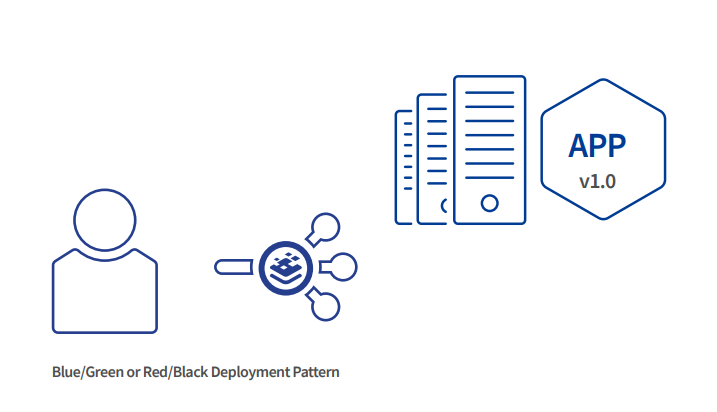
Blue/Green Deployment
- Two environments: Blue (current) and Green (new).
- Switch users to Green once it’s ready.
- If problems occur, instantly go back to Blue.
✅ Zero downtime, easy rollback
|
|
|
|
|
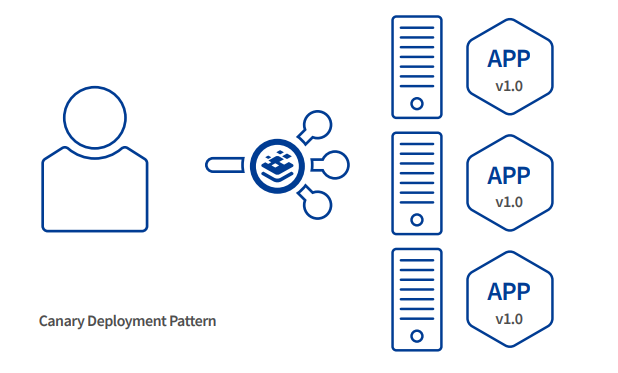
Canary Deployment
- Release the change to a small group of users first.
- Monitor for issues, then gradually roll out to everyone.
✅ Safe gradual rollout, early problem detection
|
|
|
|
|
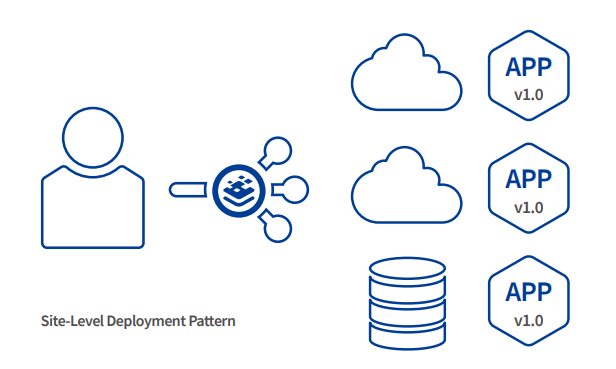
Global-Site Load Balancing
- Roll out changes site by site across data centers or cloud regions.
- Redirect users to a stable site if something goes wrong.
✅ Minimizes risk for multi-site or global deployments
|
|
|
|
|
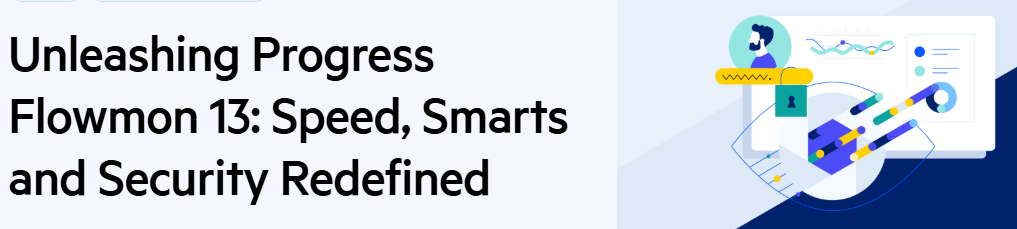
Progress Flowmon 13 brings a major upgrade to network monitoring, performance, and security. With a redesigned backend, enhanced analytics, and smarter alerts, your network teams can work faster, troubleshoot easier, and secure more effectively.
|
|
|---|
|
🔧 Features and Improvement Highlights |
|
Key Highlights:
- Supercharged Performance : Backend engine up to 7× faster for lightning-quick analytics.
- Investigations Made Simple : Connect queries, visualize steps, and collaborate efficiently.
- Dynamic Stream-Based Alerts : Detect anomalies in real-time, reduce false positives.
- Enhanced Traffic Insights : Full URLs, DNS enrichment, QinQ VLAN visibility, and expanded IP indexing.
- New Protocol Support : Modbus, MQTT, S7COMM, DNP3 for OT and IoT environments.
- Cloud & Quota Management : Azure VNet Flow Logs support and redesigned quota manager.
- ADS 13 Upgrades : Faster UI, new OT detection, and strengthened cybersecurity measures.
|
|
|---|
|
Flowmon 13 strengthens your network monitoring security with key updates:
- FIPS Compliance Options – Meet Federal Information Processing Standards for cryptographic security. The system also alerts you if FIPS mode is disabled.
- Spectre & Meltdown Mitigations – Protect against CPU vulnerabilities with configurable security settings tailored to your organization’s needs.
|
|
|---|
|
|
With Progress KempLoadMaster and Flowmon, you can stabilize IT operations, optimize deployments, and secure networks with confidence.
That’s all for now
Contact us if you have questions or want to discuss eligible opportunities at
|
|
|---|
|
|
SecureOne Distribution Sdn Bhd
200801027033
(828358-X)
, All rights reserved Copyright © 2025
No.7, Jalan 1/109E, Desa Business Park, Taman Desa, Jalan Kelang Lama, 58100 Kuala Lumpur
TEL: +03-7984 6086 | FAX: +03-7984 6032 | EMAIL: sales@secureone.com.my | Website: www.secureone.com.my |
|
|---|
|
|
| |
|
|